IPTV on Smart TV: Samsung and LG Setup Made Easy
To set up IPTV on a Smart TV, open the app store on your Samsung or LG TV, install IBO Player, then sign in with your IPTV login. You do not need an extra box, and setup takes about 10 minutes.
- IBO Player on Samsung and LG
- No extra box
- Setup in about 10 minutes
Does IPTV work on Samsung and LG Smart TVs?
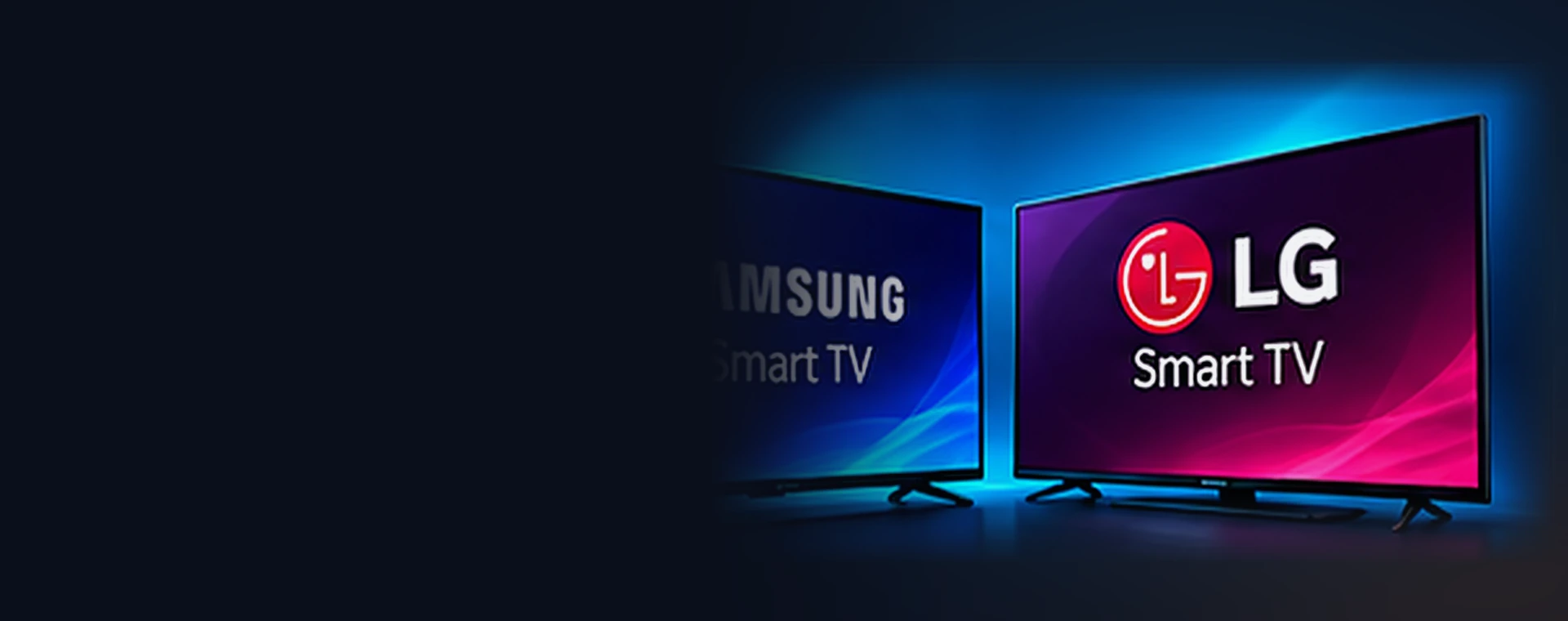
Yes, on most recent models. Samsung uses the Tizen system and LG uses webOS. Both have app stores where you can install IBO Player.
Older TVs may not have the app or may run it slowly. In that case, a Firestick or Android box is a better choice. See our Firestick guide.
Which IPTV app should you use on a Smart TV?
We recommend one app for Samsung and LG.
IBO Player on Samsung
Search the Samsung Smart Hub app store for IBO Player and install it.
IBO Player on LG
Search the LG Content Store for IBO Player and install it.
How do you install IPTV on a Smart TV step by step?
Follow these steps in order. Each one takes a minute or two.
Open the app store
Samsung: open Apps. LG: open the LG Content Store.
Search for IBO Player
Type the name, select the app and choose Install.
Open the app
Launch it. It may show a device ID and a code.
Add your details
Enter the login we sent, or add the playlist details if the app asks.
Watch
Open live TV, pick a channel and press OK to play.
How do you keep a Smart TV running smoothly?
Connect the TV to your router with an Ethernet cable if you can. Smart TV Wi-Fi chips are often weak.
Update the TV software. Also restart the TV if the app slows down after several days of use.
Keep your TV in picture mode set to Movie or Standard. Heavy processing modes can add delay.
What if the Smart TV app has problems?
App is missing from the store
Your model may be too old or in a region without the app. Use a streaming stick instead.
App is slow
Restart the TV, close other apps and use a wired connection.
Login fails
Check the details carefully and contact us with your order number if needed.
What do you need before you start?
- A Samsung or LG Smart TV from a recent year
- Internet access on the TV
- Your IPTV login details
- A few minutes to type details with the remote
Not subscribed yet? Try the free IPTV trial or view the IPTV subscription plans for Brampton. For other devices, return to the IPTV setup guides.
How do you set up IPTV on Smart TV when the app is missing?
Some older Samsung and LG TVs cannot install IBO Player. In that case, you have two good options. Add a Firestick, or add an Android TV box. Both plug into HDMI and take minutes to set up.
A stick often gives a faster guide than an older TV app. It is also easy to replace if a new model arrives.
See our Firestick guide for the steps. Learn about Smart TVs on Wikipedia or the Smart TVs on Wikipedia.
Which picture settings help on a Samsung or LG TV?
Set the picture mode to Standard or Movie. Turn off heavy motion smoothing if you see odd effects on sports. Keep the sharpness at a low value so edges look natural.
Also turn on HDR if your TV supports it and the stream offers it. Match the TV input to the correct HDMI mode so you get the best colour.
For 4K viewing on a Premium plan, use a fast, wired connection when you can. Our IPTV buffering guide explains how to test your speed.
Does IPTV on Smart TV need a special plan?
IPTV on Smart TV does not need a special plan. Every plan works. What matters is the app, so install IBO Player on your Samsung or LG TV.
For the best IPTV on Smart TV picture, use Premium on a 4K set and a wired connection. IPTV on Smart TV also works well for older HD sets on a Standard plan.
Other IPTV setup guides you may need
Setting up more than one screen? See the Apple TV guide, Formuler, Dreamlink and MAG guide, Roku guide. You can also return to the full IPTV setup guides hub.
Explore more from IPTV Brampton 4K
Everything we offer starts on the IPTV Brampton home page. From there, you can compare plans, read guides and ask for help. Need help along the way? Read the IPTV FAQ, learn about us or contact our team.
IPTV on Smart TV FAQ
Which Smart TVs are supported?
Recent Samsung (Tizen) and LG (webOS) TVs that can install IBO Player.
Do I need to buy an extra box?
Not if your TV can install the app. If not, a streaming stick is a low-cost fix.
Is typing hard with the remote?
You can use a phone keyboard app or a USB keyboard to type faster.
Need a hand with setup?
Message us on WhatsApp with your device and order number.